Overview
EasyPost is a shipping API that powers TCGTracking's label purchasing and e-postage features. Once connected, you can buy USPS e-stamps and Ground Advantage carrier labels without ever leaving your TCGTracking dashboard.
Setup steps
Create or log in to your EasyPost account
If you do not already have an EasyPost account, create one for free at easypost.com.
Go to EasyPost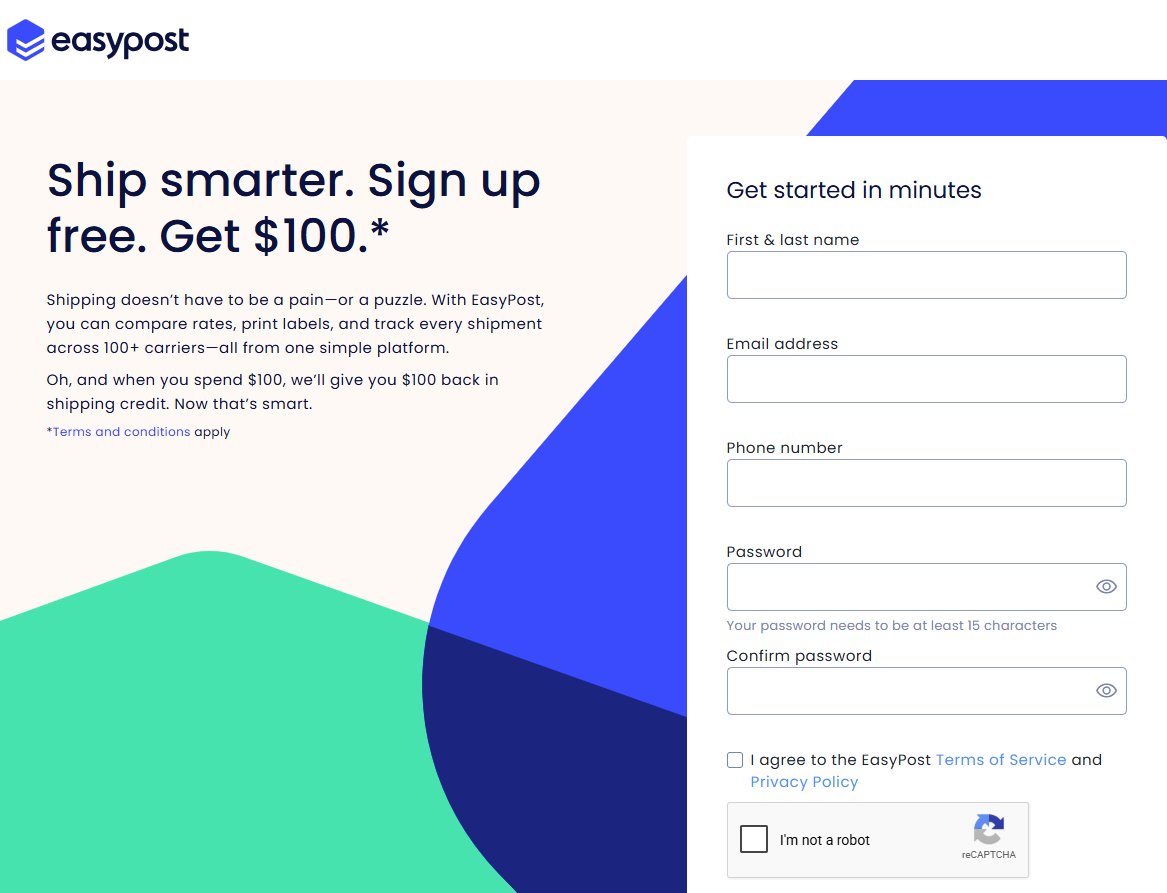
Generate your API key
Once your account is active, navigate to Account Settings → API Keys to find your Production API key.
EasyPost API Keys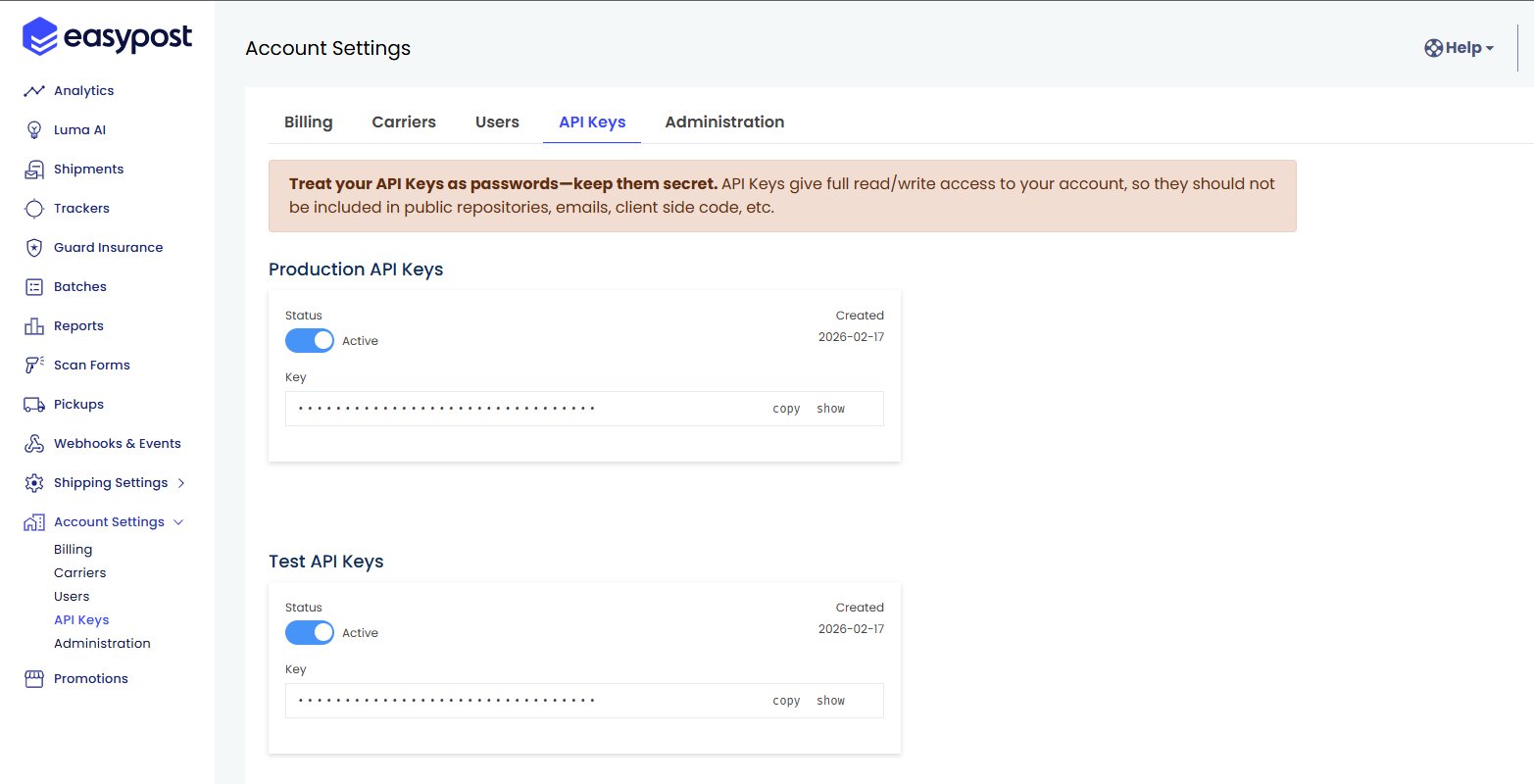
Fund your EasyPost account
Before you can purchase labels you need to add funds to your EasyPost wallet.
EasyPost Wallet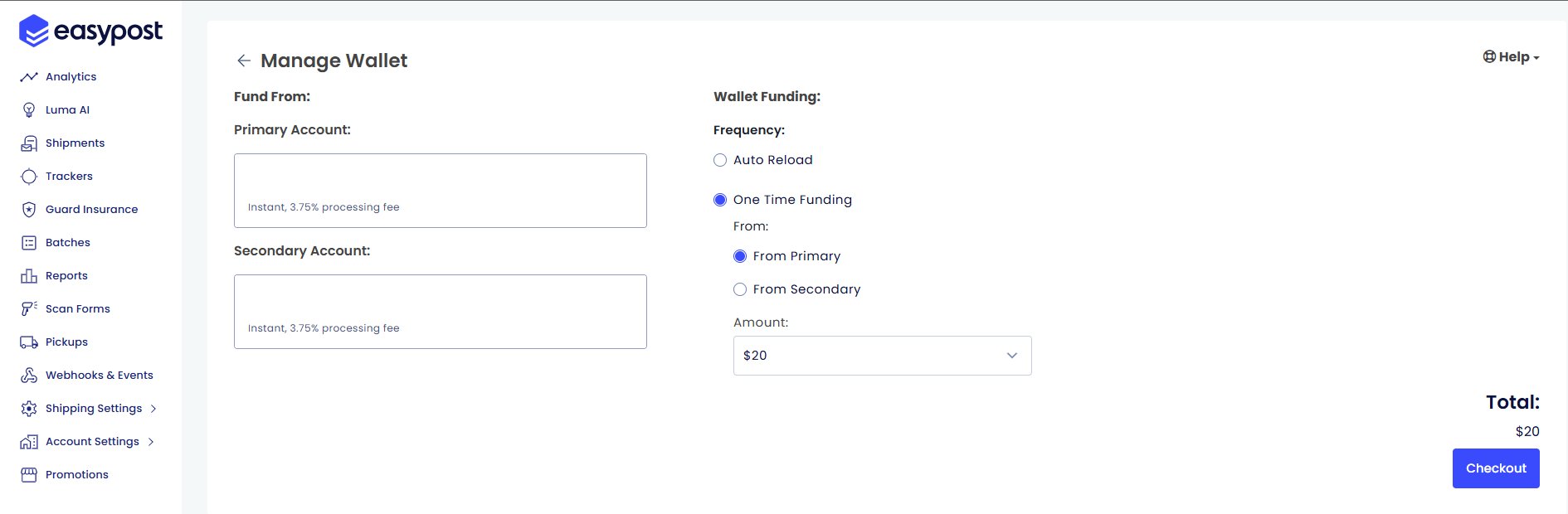
- ACH (Bank transfer) — No extra fees. Recommended.
- Debit card — Available but carries a 3.75% processing fee.
Connect EasyPost to TCGTracking
Head to your TCGTracking dashboard and open the Integrations settings.
TCGTracking Integrations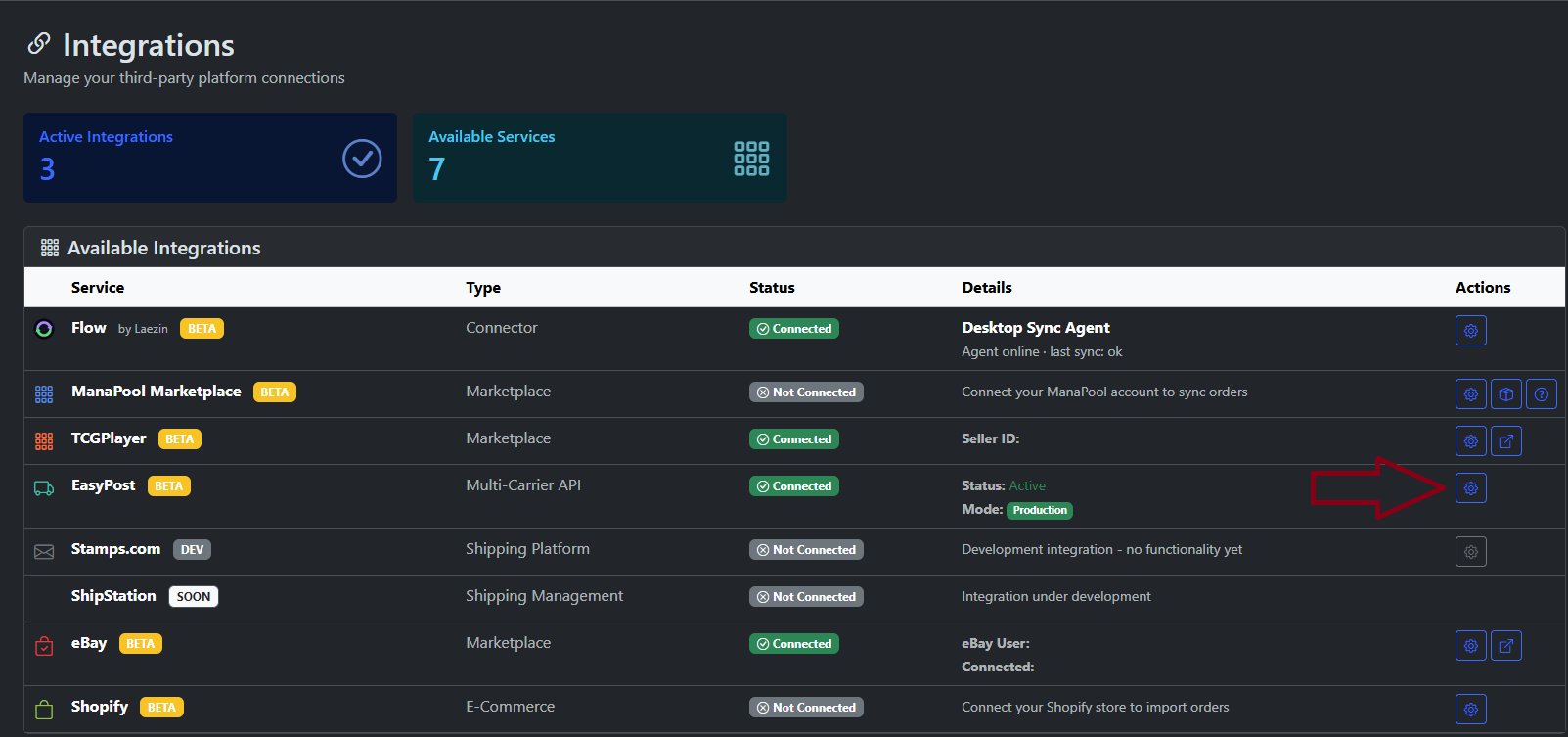
- Find EasyPost in the Available Integrations list
- Click the settings icon on the right
- The Configure EasyPost Integration dialog will appear
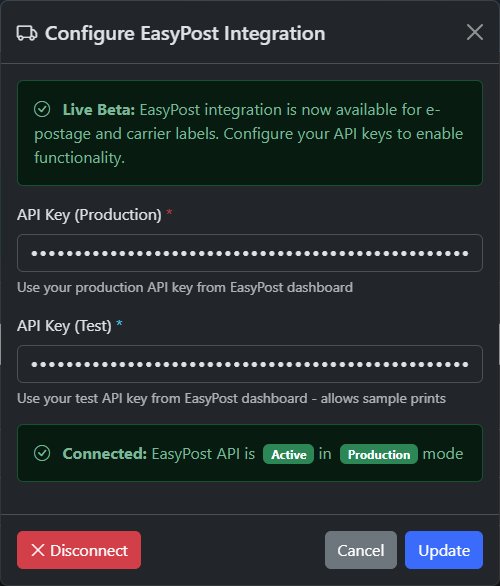
- Paste your Production API Key into the first field
- Paste your Test API Key into the second field
- Click Update
Troubleshooting
Double-check that you copied the full Production API key with no extra spaces. Make sure you are not using the Test key.
Your account is on hold. Contact EasyPost Support to activate your account before continuing.
One-time funding requires manual activation by EasyPost. Email their support team to request access.
Make sure your EasyPost wallet has sufficient funds and your shipping details are fully set up.